Keyboard first
Everything is a keystroke away.
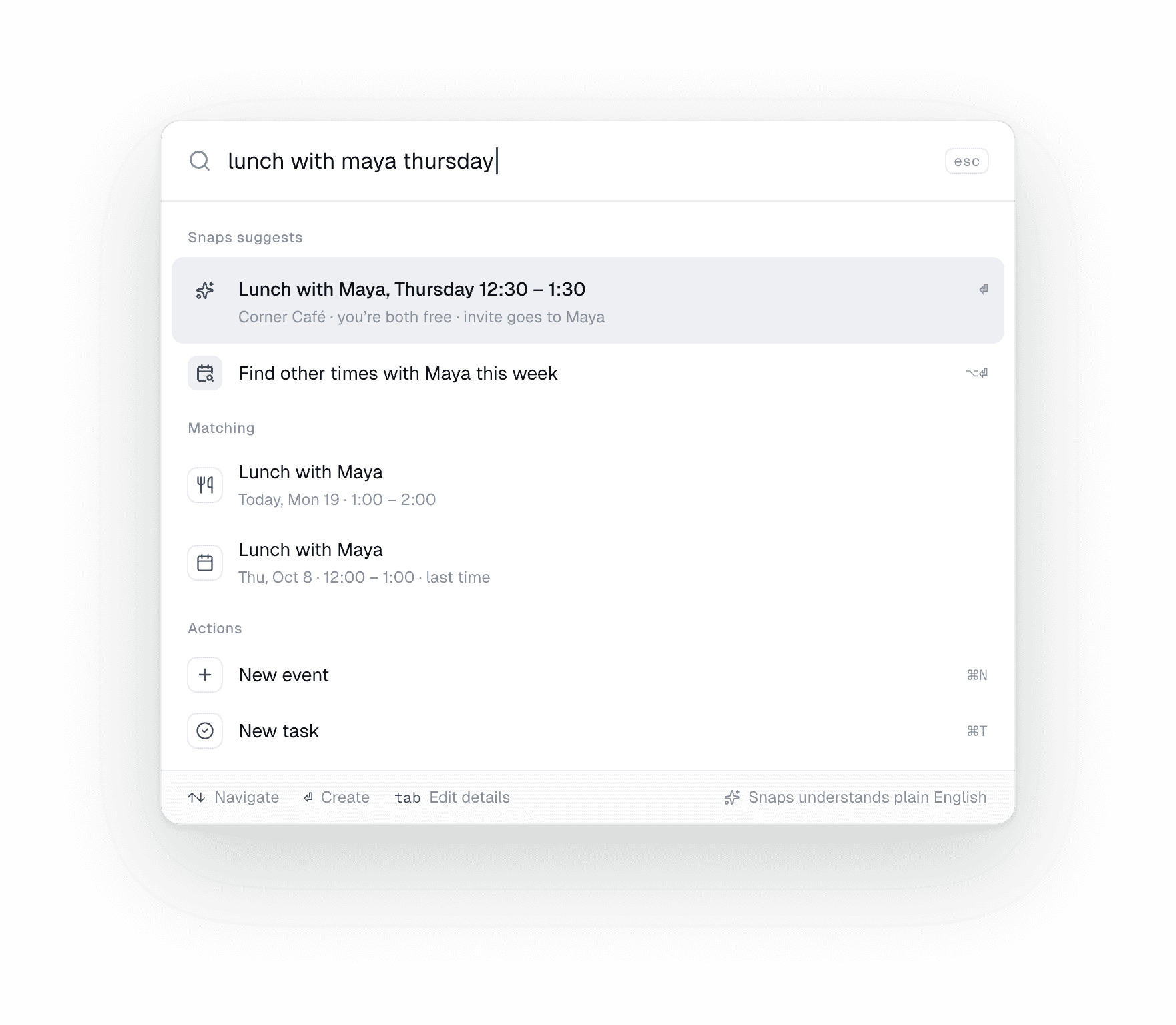
- Search & run anythingReturn asks Snaps.⌘K
- Ask SnapsNothing sends without you.⌘J
- Find a timeThe overlap, lit up.⌥⌘F
- New task or eventType naturally.⇧⌘N
- Back to todayThe brief, on one page.⌘T
Every shortcut
The whole app, from the keyboard.
Anywhere
- Search and run anything⌘K
- Ask Snaps⌘J
- Find a time⌥⌘F
- New task⌘N
- New event⇧⌘N
- Search⌘F
- Refresh⌘R
Calendar
- Go to today⌘T
- Day, week, month⌘1·⌘2·⌘3
- Previous and next⌘←·⌘→
- Event details⌥⌘I
- Bigger, smaller, actual-size text⌘=·⌘−·⌘0
Window
- Toggle the sidebar⌃⌘S
- Toggle the panel⌃⌘T
- Show or hide the month⌃⌘M
- Today’s tasks⇧⌘T
- Back and forward⌘[·⌘]
Snaps and the menu bar
- Undo what Snaps just did⌘Z
- Stop a reply⌘.
- Join the next meeting (menu bar)⌘J
- Open Oh Snaps (menu bar)⌘↩
- Quit⌘Q
Keep exploring
Take back your week.
Try everything free. Then $8.25 a month, billed yearly — cancel anytime.
macOS 26 or later · Apple silicon & Intel